Comparison
MoneyHome vs Lunch Money
Both are web apps for people who want more than a one-currency budget tracker. They make different trade-offs, mainly around bank sync. Here is an even-handed look, with the cases where Lunch Money is the better choice listed first.
Last reviewed November 2026. Competitor details are as of November 2026 and can change; check each vendor before you decide.
Choose Lunch Money if, choose MoneyHome if
Choose Lunch Money if
- You want accounts to sync automatically. Its pricing page says bank syncing is included.
- You prefer budgeting driven by transaction activity. Its docs describe budgets as based on transaction activity rather than account balances.
- You want multi-currency handling that its help centre documents in detail, including advice for transfers.
- You track crypto accounts alongside cash. Its docs mention crypto type accounts counted toward net worth.
Choose MoneyHome if
- You do not want to connect bank logins, and are happy to import CSV files.
- You want a free tier to start, even though it is limited to two accounts and two currencies.
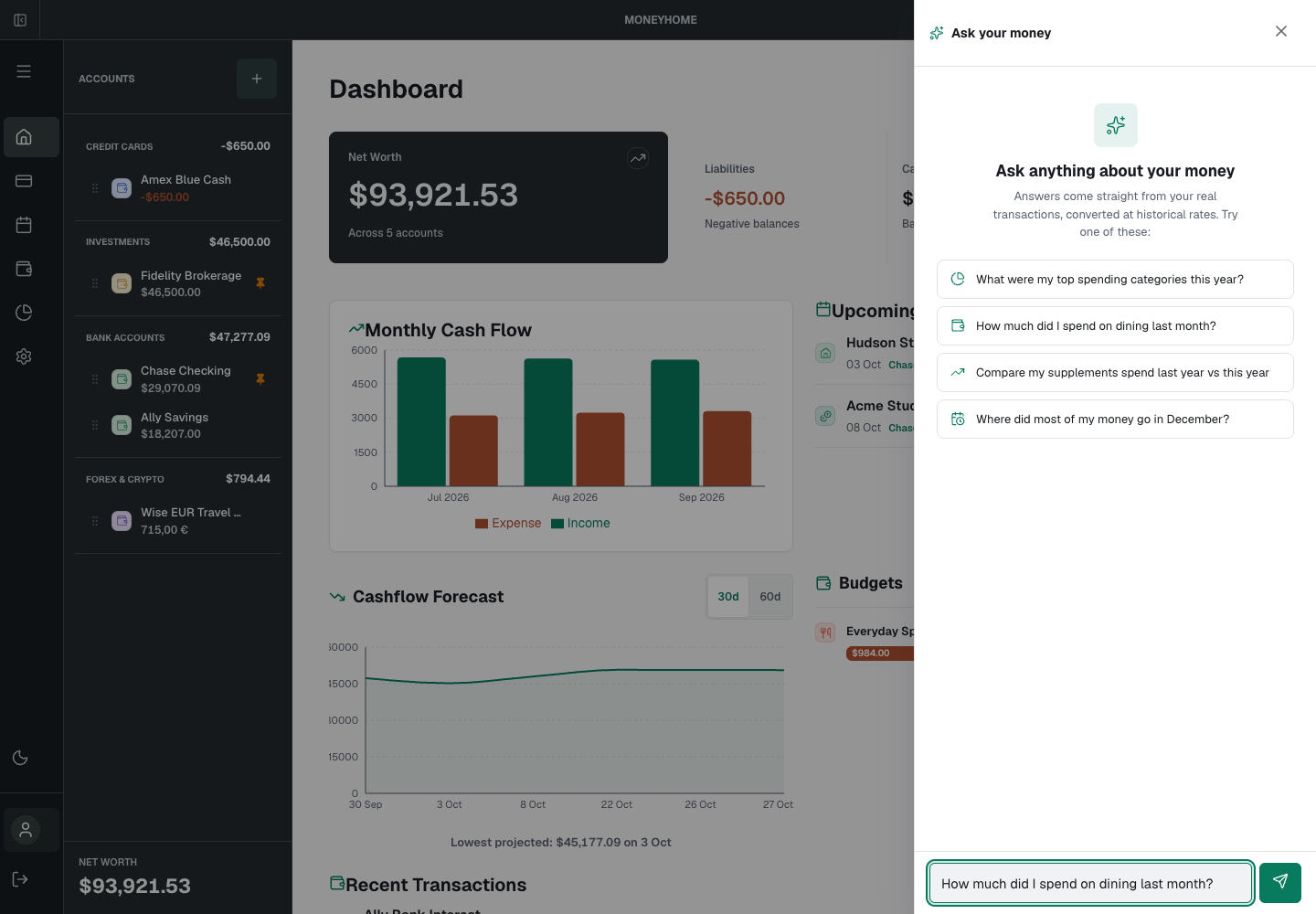
- You want to ask questions about your ledger in plain English, on paid plans, with hosted AI or your own AI key.
- You want a one-time purchase option for the app.
Side by side
| Topic | Lunch Money | MoneyHome |
|---|---|---|
| Multi-currency | Primary currency for totals and summaries. Historic exchange rates used to calculate amounts in it, falling back to the closest day if a rate is missing. | Base currency for totals. Daily rates for reports, with the final step into the base currency at today's rate. Budgets convert at current rates. Two currencies on Free, unlimited on paid plans. |
| Bank sync | Included, per its pricing page. | None. Manual entry and CSV import. |
| Budgeting | Based on transaction activity, not account balances. | Targets compared with actual spending per period, with a month-by-month history. |
| AI | Not covered here. | Ask your money in plain English, on paid plans only, with hosted AI or your own AI key. |
| Price | $10 a month or $100 a year. 30-day trial. | Free: two accounts, up to two currencies, no AI. Premium $8 a month or $72 a year. Founding Supporter $149 once. |
| Where it runs | Web app at my.lunchmoney.app. | Web app, installable from the browser. No native app. |
Prices are list prices on each vendor's site on 12 November 2026. A row that says "not covered here" means we could not confirm it from the vendor's own pages.
A test worth doing: a transfer between currencies
This is where multi-currency tools differ most. Lunch Money's FAQ says each side of a transfer should be tracked in the currency of its own account, and warns that grouping the two will not net to zero, because the rate may differ from your bank's. It suggests leaving the two transactions ungrouped.
MoneyHome records two linked legs, each in its account's currency. When you add a transfer, it fills in the receiving amount at the current live rate, and the form takes one amount in the source currency. If your provider's rate was different, the receiving leg will not match your statement. In both tools, the honest answer is that the rate you got is not the rate on a chart. Try one real transfer in a trial before you commit.
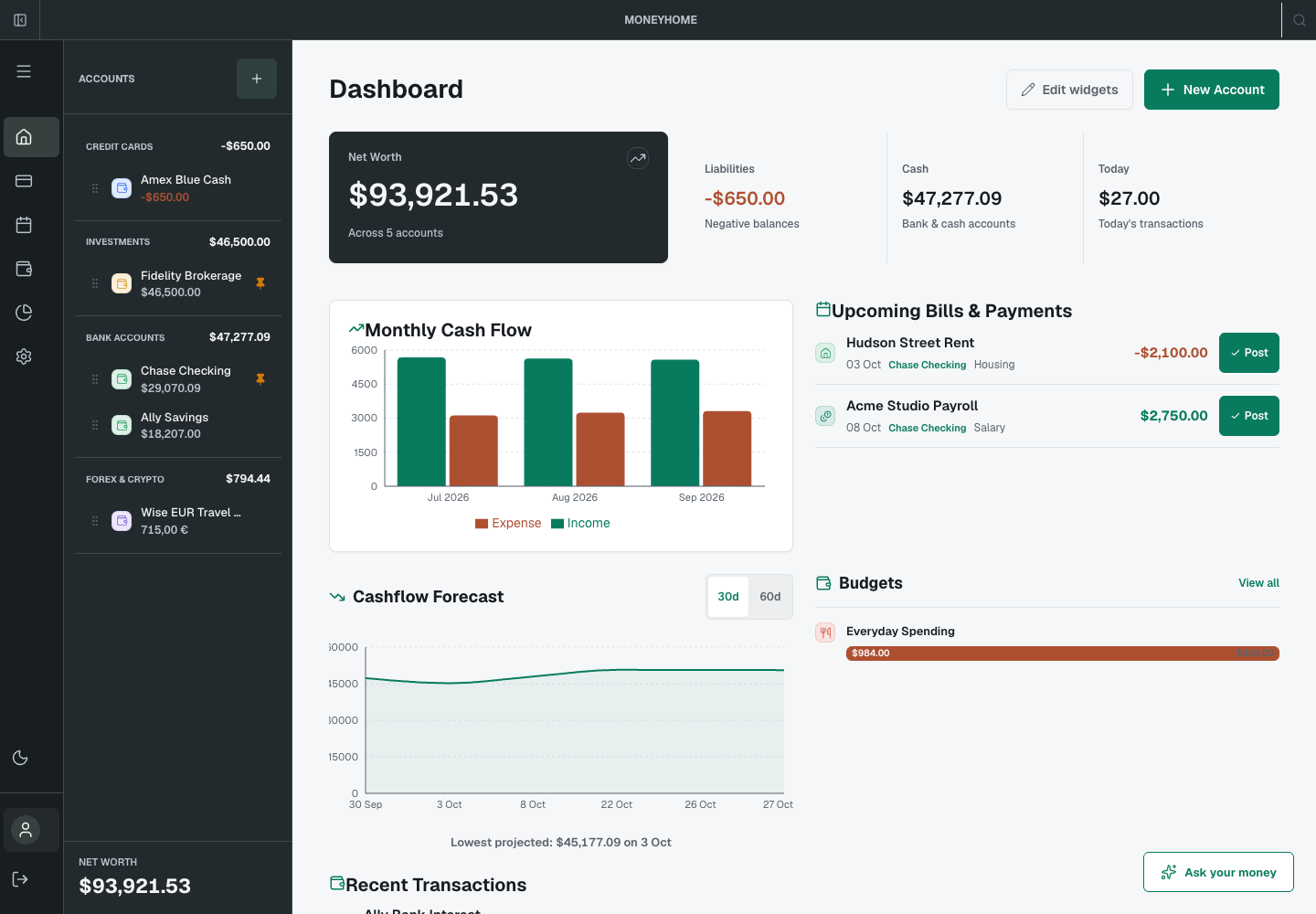
What MoneyHome looks like
Privacy and data, briefly
MoneyHome does not ask for bank credentials, because it does not connect to banks. Your entries live in your account, and you can export everything to CSV or delete it from Settings. Hosted AI sends the relevant part of your ledger to the AI provider when you ask a question, and on paid plans, using your own AI key sends it to your provider instead. The privacy policy has the detail. For Lunch Money, read its own policy.
What MoneyHome does not do
- It does not link to banks. Every row is typed in or imported.
- It has no native app. It is a web app that installs from the browser.
- The Free plan holds two currencies at most and has no AI.
- Hosted AI sends relevant ledger data to an AI provider when you ask a question.
How to decide in an evening
- Decide whether bank sync is a must. If yes, start with Lunch Money.
- If not, make a free MoneyHome account and import one account from a CSV. Notice how long it takes.
- Add a transfer between two currencies in whichever tool you are testing, and compare it with your statement.
- Read the multi-currency budgeting guide and check that the way each tool converts matches the way you want to report.
Questions
Does Lunch Money support multiple currencies?
Yes. Its help centre says totals and summaries show in a primary currency you choose, and that it uses historic exchange rates to calculate amounts in that currency. Check Lunch Money for the current list of supported currencies.
Does MoneyHome have automatic bank sync like Lunch Money?
No. MoneyHome has no bank linking. You add transactions by hand or import a CSV. If automatic sync matters most to you, Lunch Money is the better fit of the two.
Which costs less?
On list prices checked on 12 November 2026, Lunch Money is $10 a month or $100 a year with a 30-day trial. MoneyHome is free for two accounts in up to two currencies, then $8 a month or $72 a year for Premium, or $149 once for Founding Supporter. They include different things, so compare features first.
How do I move between them?
Any CSV works with MoneyHome. Export your transactions from your current tool, then map the columns in the import wizard under Settings. Check the other tool's help centre for how to export.