Migration guide
YNAB and multiple currencies: your options
YNAB is a well-loved budgeting method, and it is built around one currency per budget. If your money now spans more than one currency, you have a few choices. This guide covers them fairly, including the case for staying put.
Last reviewed November 2026
What YNAB says about currencies
YNAB's pricing FAQ says you can choose the currency you use in YNAB, but you cannot combine multiple currencies in a single spending plan. Its support guide on the topic recommends creating a separate budget when you use more than one currency. That is a clear and sensible design: each budget is complete in its own currency.
For many people this is enough. If you spend almost entirely in one currency and hold a little foreign cash, a separate small budget, or none at all, may be all you need.
When YNAB is still the better choice
- The method is why you use it. YNAB describes its approach as asking what your money is for and making a flexible plan before you spend. MoneyHome does not implement that envelope style. Its budgets are targets compared with actual spending.
- You want bank import. YNAB says direct import supports select US, Canadian, UK and EU banks, with file-based import elsewhere. MoneyHome has no bank linking.
- You want a native app. YNAB lists iOS, Android, web and watchOS. MoneyHome is a web app you install from the browser.
- Your currencies live in separate worlds. If you never need one combined total, one budget per currency is clean and works.
When a combined view starts to matter
The pain shows up when you ask questions that cross budgets. What is our net worth in one currency? How much did we spend last year in total, including the euro account? Is the salary that arrives in dollars covering the rent we pay in pounds? With one budget per currency, these answers live in a spreadsheet you maintain by hand.
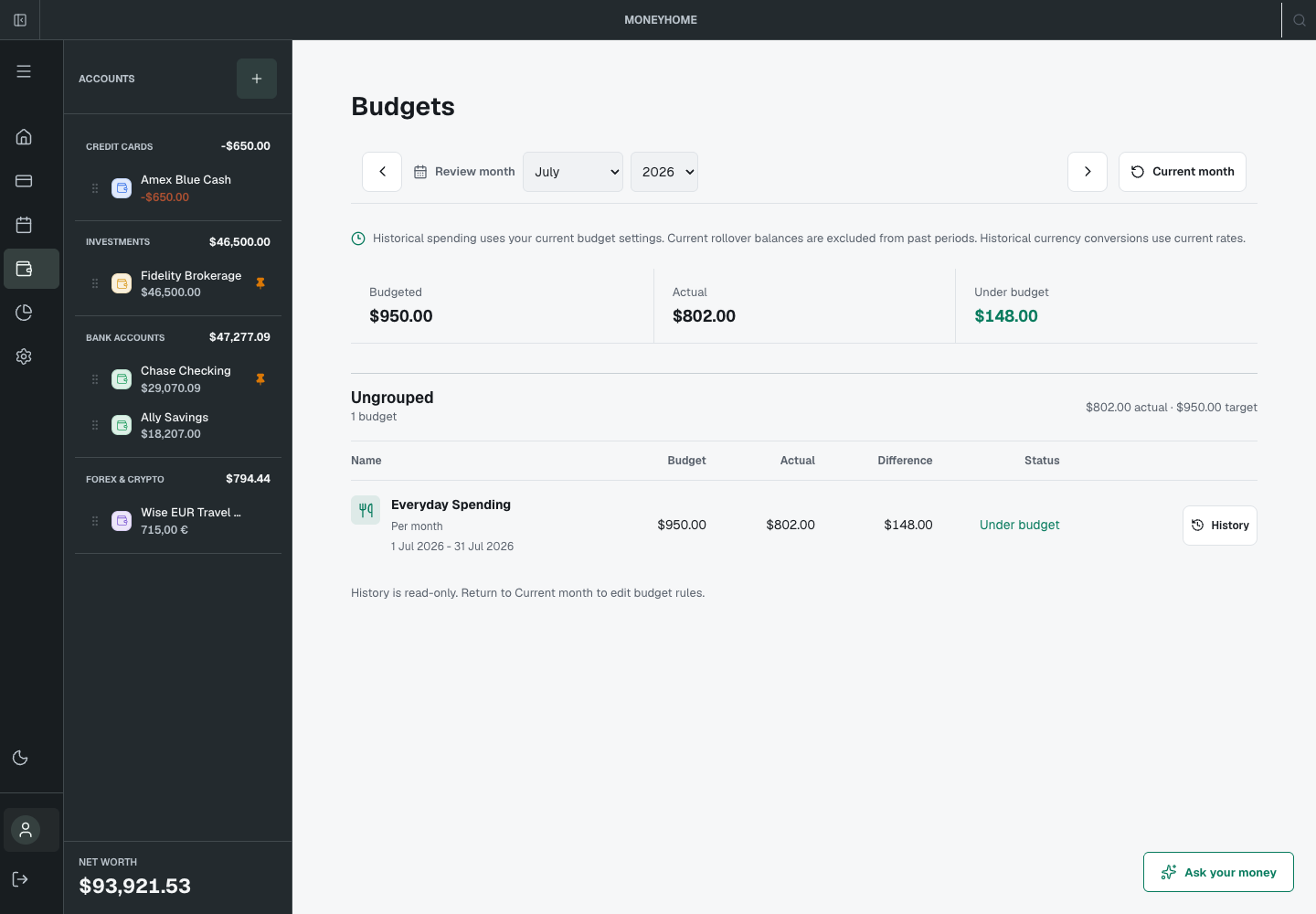
MoneyHome is built for that case. Each account keeps its own currency. Group totals, net worth and reports show in one base currency that you choose. See the multi-currency budgeting guide for how the conversion works, including its limits. Budgets can be limited to chosen categories or accounts, and each budget has its own currency.
What changes if you move
| Topic | YNAB | MoneyHome |
|---|---|---|
| Currencies | One per spending plan. Separate budgets recommended for more. | One ledger with accounts in several currencies, Two currencies on Free, unlimited on Premium or Founding Supporter. |
| Budget style | Plan what your money is for before you spend it. | Targets compared with actual spending per period. |
| Getting data in | Direct import at select banks in the US, Canada, the UK and the EU, or file import. | Manual entry or CSV import. No bank linking. |
| Apps | iOS, Android, web and watchOS. | Web app, installable from the browser. |
| Price | $14.99 a month or $109 a year, with a 34-day trial. | Free for two accounts in up to two currencies. Premium $8 a month or $72 a year. Founding Supporter $149 once. |
Prices are list prices on each vendor's site on 12 November 2026. Check before you buy.
Importing your YNAB history
YNAB's help centre says you can export your entire budget, including transactions. Follow its current guide for the steps. MoneyHome then reads the file with its CSV wizard.
- Import one budget at a time. Because each YNAB budget holds one currency, set the Default currency in the wizard to that budget's currency. This matters when the file has no Currency column.
- Map the columns. Date is required, plus Amount or both Debit and Credit. If your file has separate money-out and money-in columns, map them to Debit and Credit. MoneyHome turns debits negative. Set Default account if the file has no account column.
- Check categories in the preview. Category is free text, and any name that does not exist yet is created as typed. Look at the first 8 rows and fix names you want to tidy later.
- Save the mapping as a template so the second budget takes seconds. Templates stay in that browser.
- Import, then set opening balances. The importer creates accounts with a zero opening balance, so balances match only when the file covers the full history or you set the opening balance.
Duplicate rows are skipped, so importing an overlapping range is safe. Transfers between two accounts are linked when date and description match with exactly opposite amounts. A transfer between currencies will not match, so give it the category Transfer.
A low-risk way to try it
Import one budget, set your base currency, and look at Reports for a month. Keep YNAB as your daily tool for a few weeks. If the combined view earns its place, move more over. If it does not, you have lost an evening, not your method.
Questions
Does YNAB support multiple currencies?
YNAB's pricing FAQ says you can choose the currency to use in YNAB but cannot combine multiple currencies in a single spending plan. Its support guide recommends a separate budget when you use more than one currency. Check YNAB for current details.
Can I keep using YNAB and add MoneyHome?
Yes. Some people keep YNAB for their main currency and use MoneyHome for one combined net worth. You would enter or import transactions into both, so it is only worth it if the combined view matters to you.
How do I import a YNAB budget that uses one currency?
Export it from YNAB, open Settings in MoneyHome, choose Import from a CSV, map the columns and set the Default currency to the budget's currency. Repeat for each budget.
Does MoneyHome use envelope budgeting?
No. MoneyHome budgets are targets compared with actual spending per period. They are not a zero-based plan where every dollar is assigned, so people who rely on that method should stay with YNAB.