Guides
Guides for money in more than one currency
Practical guides and fair comparisons for expats, cross-border households and anyone paid in one currency and spending in another. They work whichever app you use, and say plainly when MoneyHome is not the right one.
Last reviewed November 2026
Guides
- GuideHow to budget when your money is in more than one currency
Pick a base currency, keep amounts in their own currency, understand historical rates, record transfers, and avoid the usual mistakes. Includes how MoneyHome handles each step and where its limits are.
- MigrationMoving from MoneyWiz with a CSV export
The CSV import wizard step by step, what carries over, what to check afterwards, and when to stay with MoneyWiz.
- MigrationYNAB and multiple currencies: your options
What YNAB says about currencies, when it is still the better choice, and how to import a budget if you need a combined view.
Comparisons
- ComparisonMoneyHome vs Lunch Money
An even-handed table, the case for each, and a transfer test you can run yourself. Lunch Money is the better choice if you want bank sync.
- ComparisonMoneyHome vs YNAB and Monarch
For households with more than one currency, and who should stay where they are.
Which one should I read?
- You are setting up from scratch. Read the multi-currency budgeting guide first. The method matters more than the tool.
- You use MoneyWiz today. Read the MoneyWiz guide. It covers the import and the honest reasons to stay.
- You use YNAB and keep hitting the one-currency wall. Read the YNAB guide.
- You are choosing between apps. Start with the Lunch Money or YNAB and Monarch comparison.
Questions to ask any app about currencies
- Can one ledger hold accounts in different currencies, or only one currency per budget?
- Does each transaction keep its original currency and amount?
- Which exchange rate is used for old transactions: the one on the day, or today's?
- How is a transfer between two currencies recorded, and can you enter the amount that actually arrived?
- Can you change the base currency without rewriting history?
- Which of these needs a paid plan?
MoneyHome's answers are in the multi-currency budgeting guide, limits included.
Four terms used in these guides
- Base currency
- The one currency you use to see totals. A reporting choice, not where your money lives.
- Historical rate
- The exchange rate for the date of a transaction, rather than today's rate.
- Transfer leg
- One side of a move between two of your own accounts. A transfer has two legs, one out and one in.
- Default currency
- In the CSV importer, the currency given to any row where the file has no Currency column.
How these pages are written
Details about MoneyHome come from the app itself and its published pricing, privacy and terms. Details about other products come from each vendor's own site and help centre, checked on the date shown and marked "as of" where they can change. If we could not confirm a claim from the vendor, we left it out. These pages are information about how money tools work, not financial advice.
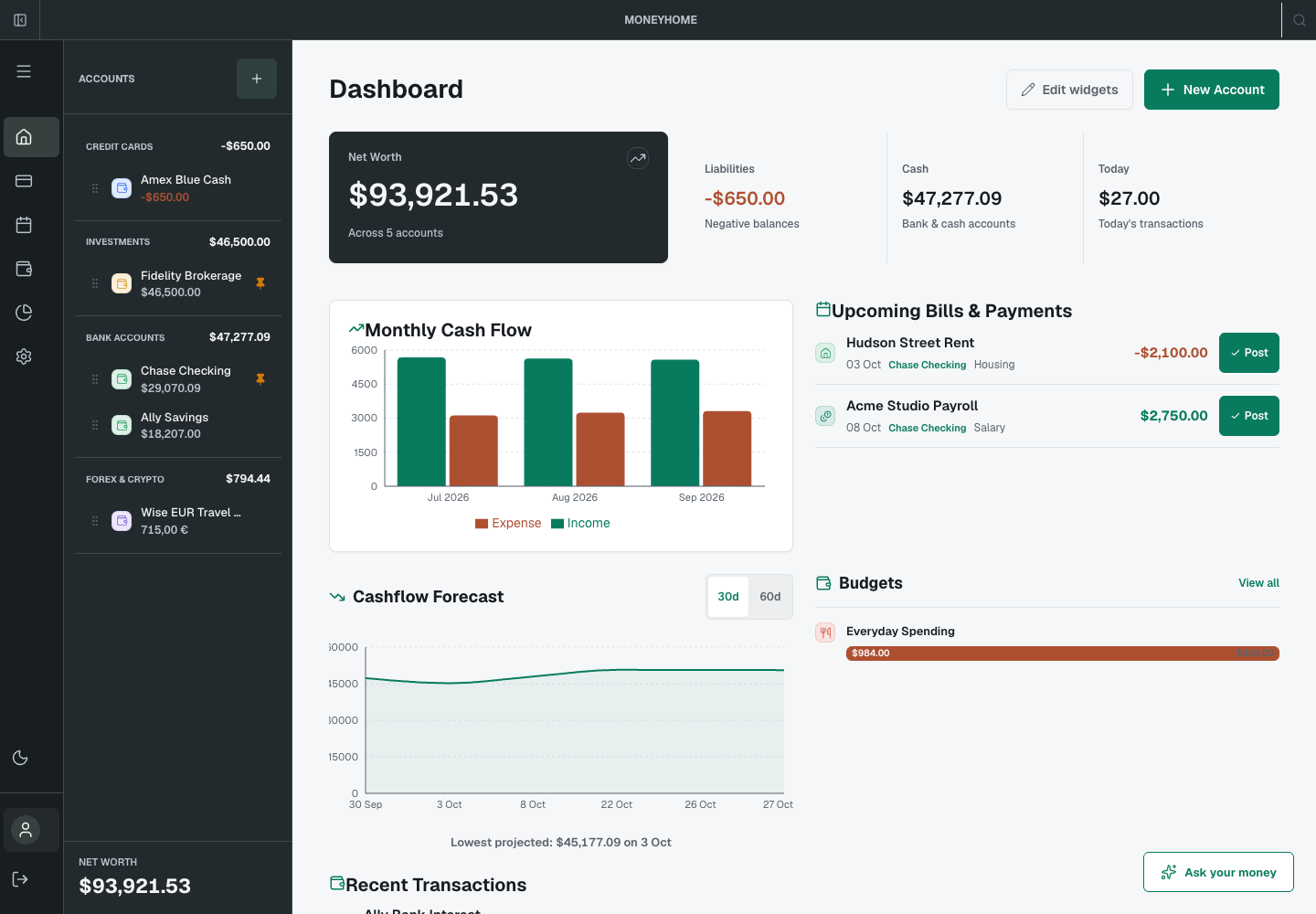
The short version of MoneyHome: it is a web app you can install from your browser, there is no bank linking and no native app, and Free is two accounts in up to two currencies with no AI. Unlimited currencies and AI need Premium ($8 a month or $72 a year) or Founding Supporter ($149 once). See the plans or the privacy policy.