Migration guide
Moving from MoneyWiz to MoneyHome with a CSV export
MoneyHome has no one-click MoneyWiz importer. It reads any CSV by mapping columns, which takes a few minutes the first time. This guide walks through the wizard exactly as it works, what comes across, and what to check afterwards.
Last reviewed November 2026
Who this is for, and who should stay
A common reason to look for a MoneyWiz alternative on the web is wanting the ledger in a browser or on a device that is not Apple. MoneyWiz's FAQ lists Mac, iPhone and iPad, and does not mention a web version. MoneyHome runs in any browser, and you can install it from the browser to your home screen or desktop. There is no native app.
Consider moving if
- You need to open your ledger on Windows, Android or a shared computer.
- You do not use automatic bank connections and enter or import data yourself.
- You want to ask questions of your ledger in plain English (a paid feature).
Stay with MoneyWiz if
- You rely on automatic bank connections. MoneyWiz says these come with Premium for supported institutions. MoneyHome has no bank linking at all.
- You live in the Apple ecosystem and like a native app.
- You use MoneyWiz features that a CSV cannot carry, such as splits or scheduled items.
MoneyWiz also tracks more than one currency on its Standard plan, so this is a question of platform and workflow, not a gap you have to fill.
Before you start
- Export from MoneyWiz. MoneyWiz's help centre has an article on exporting a report to CSV. Menu names change between versions, so follow its current guide, and make sure the export includes every transaction in the period you want.
- Check your plan. Free is two accounts in up to two currencies. A file with more accounts, or accounts in more than two currencies, needs Premium ($8 a month or $72 a year) or Founding Supporter ($149 once). Import creates the accounts it finds, so decide your plan first.
- Keep MoneyWiz running. Do not cancel anything until one full month matches in both places.
The import, step by step
- Open the importer. In MoneyHome go to Settings and find Import from a CSV.
- Drop the file. Only .csv files are accepted, up to 10MB. An empty file, or one that does not parse as CSV, is rejected with an explanation. If your export is bigger than 10MB, split it by date range. Overlaps are safe.
- Map your columns. MoneyHome matches headers against common names such as Date, Amount, Payee, Category and Currency. If the headers include Account, Date, Payee, Category and Amount, it suggests the built-in preset called Wallet-style export. Otherwise map each field by hand. Date and either Amount, or both Debit and Credit, are required. Everything else is optional.
- Set the options under the grid. Date format has three choices: YYYY-MM-DD, DD/MM/YYYY and MM/DD/YYYY, detected from your file and changeable. Default account and Default currency apply to any row where the file has no such column. If your file marks transfers with a category name, type it in Transfer category label.
- Preview. The wizard shows the first 8 rows as they will import, the type of each, and how many transfer pairs matched. Rows with unreadable dates are skipped and counted as warnings. This is the moment to save the mapping as a template. Templates live in this browser only and are not synced.
- Import. You get counts for accounts, transactions, categories and duplicates skipped, plus any warnings. Import history lists each run.
What carries over, and what to check
| Item | What happens | Check this |
|---|---|---|
| Accounts | Created from account names, with a zero opening balance and the type Other. | Set true opening balances, and fix the account types. |
| Currency | Read per row if there is a Currency column, otherwise the default currency. | Confirm the default currency before you import. |
| Categories | Created as typed if they do not exist. | Review the names in Settings and merge near duplicates. |
| Transfers | Linked when date and description match and the amounts are exact opposites. | Transfers between currencies will not link. Give them the category Transfer. |
| Notes and tags | Stored as a tag on the transaction. | Spot check a few rows. |
| Splits, budgets, scheduled items | Not part of the importer's nine fields, so they do not come across. | Recreate budgets and recurring items in MoneyHome. |
After the import
- Compare each account balance with MoneyWiz. Because the importer adds transactions only, a file that starts partway through your history will not reach the right balance until you set the opening balance.
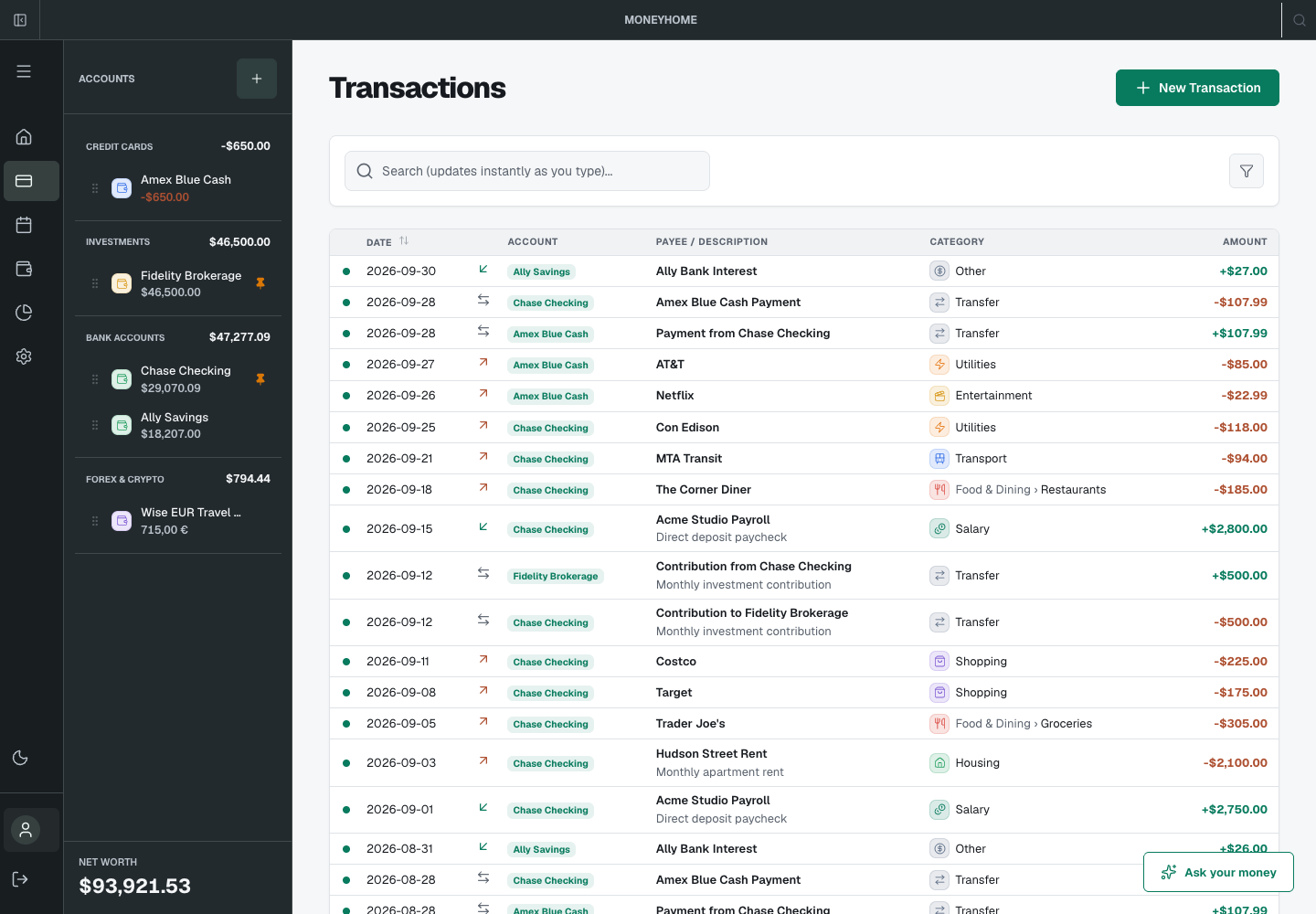
- Search a few payees you know well. The ledger search updates as you type.
- Set your base currency and recreate your budgets. The multi-currency budgeting guide covers how.
- Re-import a second file later if you want. Duplicate detection means overlapping ranges do not double your history.
You lose automatic bank connections and a native Apple app. You gain a browser ledger on any device, an assistant you can question in plain English on paid plans, with hosted AI or your own AI key. Hosted AI sends the relevant part of your ledger to the AI provider when you ask a question. Read the privacy policy before you decide.
Questions
Is there a MoneyWiz web version?
MoneyWiz's own FAQ lists Mac, iPhone and iPad, and it does not mention a web version as of November 2026. MoneyHome is a web app that runs in any browser and can be installed from the browser. It has no native app.
Does MoneyHome have a MoneyWiz import button?
No. MoneyHome imports any CSV by mapping its columns, so a MoneyWiz export goes through the same wizard as a bank file. Map the columns once and save the mapping as a template.
Is it safe to import the same file twice?
Yes. Each row gets a fingerprint built from its account, date, amount, payee and description, and rows that match one already imported are skipped. The result shows how many duplicates were skipped.
Can I get my data back out?
Yes. Settings can export all of your transactions to a CSV file at any time.