Guide
How to budget when your money is in more than one currency
If you earn in one currency, save in another and pay rent in a third, most budgeting tools break quietly. Totals mix currencies, or every foreign amount is converted once and frozen. This guide sets out a method that works in any tool, then shows how MoneyHome handles each step.
Last reviewed November 2026
- Pick one base currency for totals. Leave every account in its own currency.
- Record each transaction in the currency it happened in.
- Convert only for reporting, using the rate for the date of the transaction.
- Budget in the currency you spend in. Compare in your base currency.
- Record a transfer as two legs, and expect a small difference between them.
Choose a base currency
Your base currency is the one you use to see totals. It is a reporting choice, not a statement about where your money lives. A common pick is the currency of your biggest fixed bill, such as rent, or the one you think in. Stay with it for a few months so charts compare like with like.
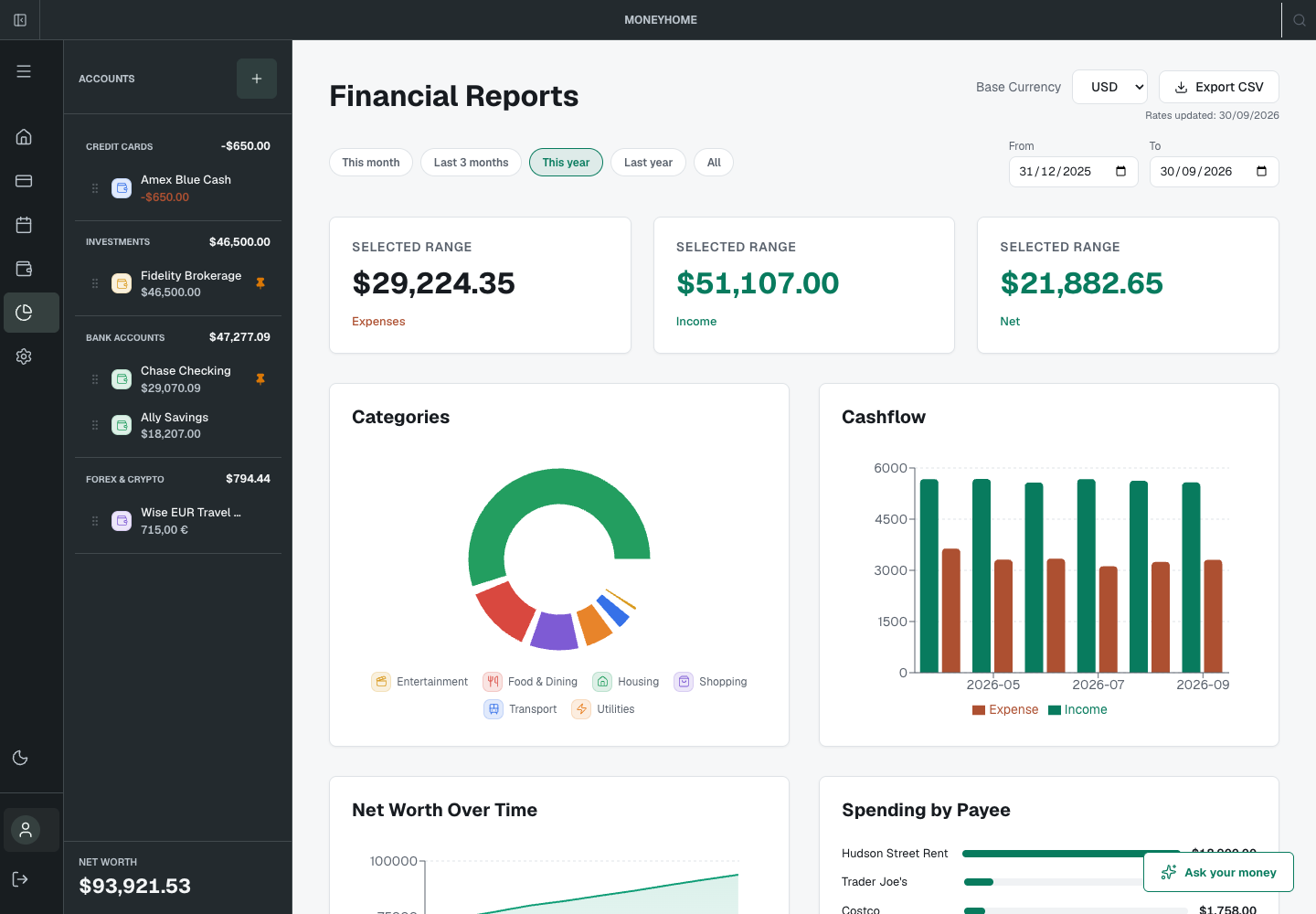
In MoneyHome: new accounts start with USD as the base currency. You change it in Settings, and the Reports page has a Base Currency selector. Pinned charts and the assistant follow your base currency when you change it.
Keep amounts in their own currency
Your bank statement is in the currency of the account. If you convert on entry and throw away the original, you can never reconcile against that statement again. Store the original amount and currency, and convert later.
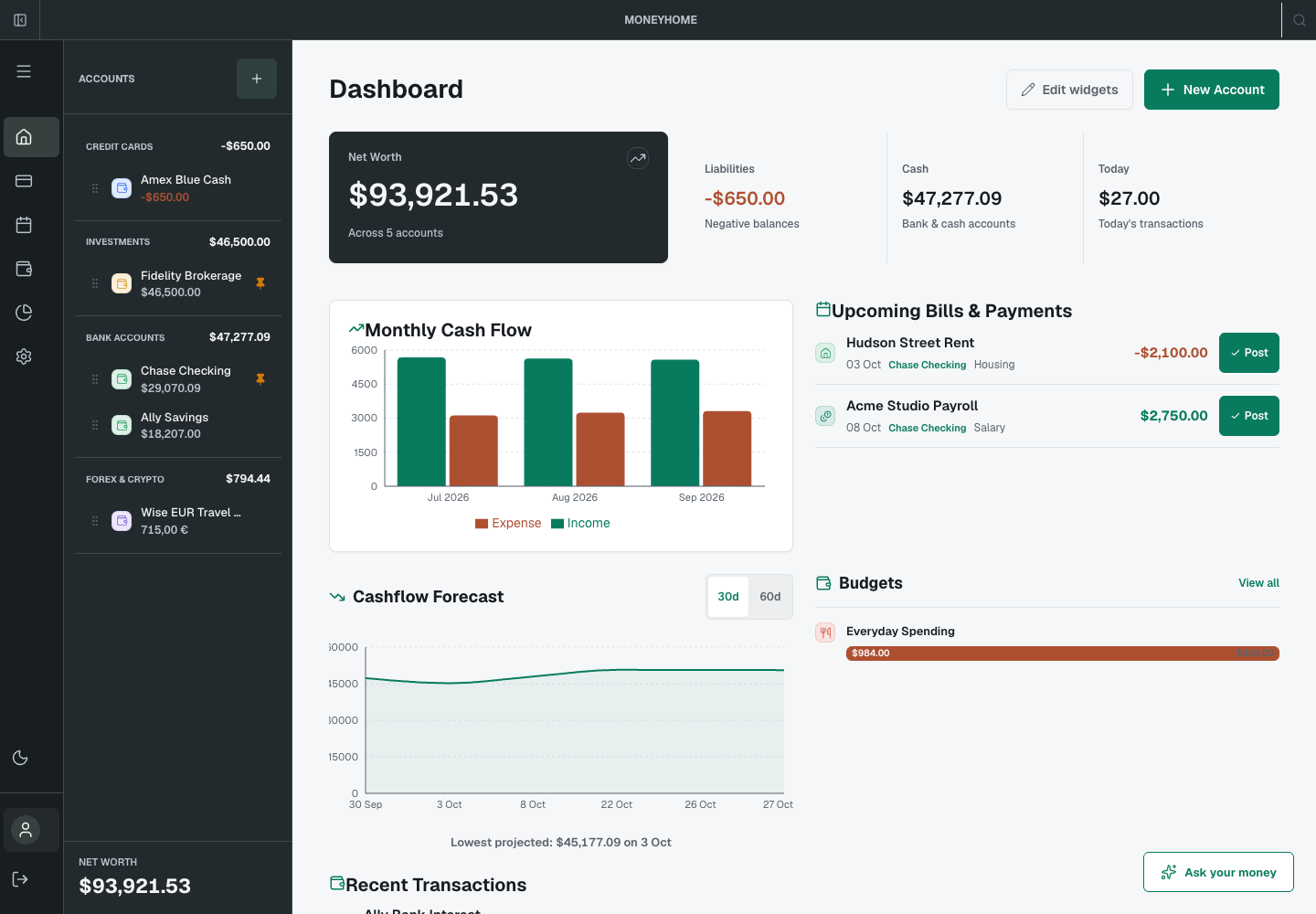
In MoneyHome: every account has a currency and every transaction carries its own currency. In the sample household below, a euro account shows its balance as 715,00 € in the sidebar, while the group total and net worth are in dollars. The 715 euros count as $794.44 at the sample rate of 0.9 euros to the dollar.
Why historical exchange rates matter
Here is an illustration with made-up rates. In March you pay a 1,000 euro invoice when one euro is 1.10 dollars, so it cost 1,100 dollars. By November one euro is 1.20 dollars. If every report converts at today's rate, March now reads 1,200 dollars. That is 100 dollars of spending that never happened, and it changes again every time the rate moves.
The fix is to convert each transaction at the rate for its own date. Rates are published on business days, so weekends use the last published rate.
In MoneyHome: daily rates are stored, and reports and net worth over time convert each transaction using the latest rate on or before its date. One limit to know about: the final step into your base currency uses today's rate, so a report is only partly historical. Budget history is simpler still. The Budgets page says historical currency conversions use current rates. If rates cannot be reached, the assistant and pinned charts stop and say so.
Transfers between currencies
Moving money from a dollar account to a euro account is not income and not spending. Record it as two legs on the same date: money out of one account, money into the other, each in its own currency. The two amounts will not match at your rate. Fees and the provider's margin sit in the gap, and a bank rarely gives you the rate you see in a currency chart.
In MoneyHome: choose Transfer when adding a transaction, then a From account, a To account and one amount in the source currency. MoneyHome creates both legs and fills in the receiving amount at the current live rate. You cannot type the received amount in that form, so compare the destination balance with your statement. Transfers are left out of budget actuals. On CSV import, legs are paired only when the date and description match and the amounts are exact opposites, so a cross-currency pair will not link automatically. Give those rows the category Transfer so budgets still ignore them.
Budgets across currencies
There are two honest ways to do it. One budget per spending currency suits costs tied to a place, such as rent and groceries in the country where you live. One budget in your base currency suits costs that follow you around, such as subscriptions and travel.
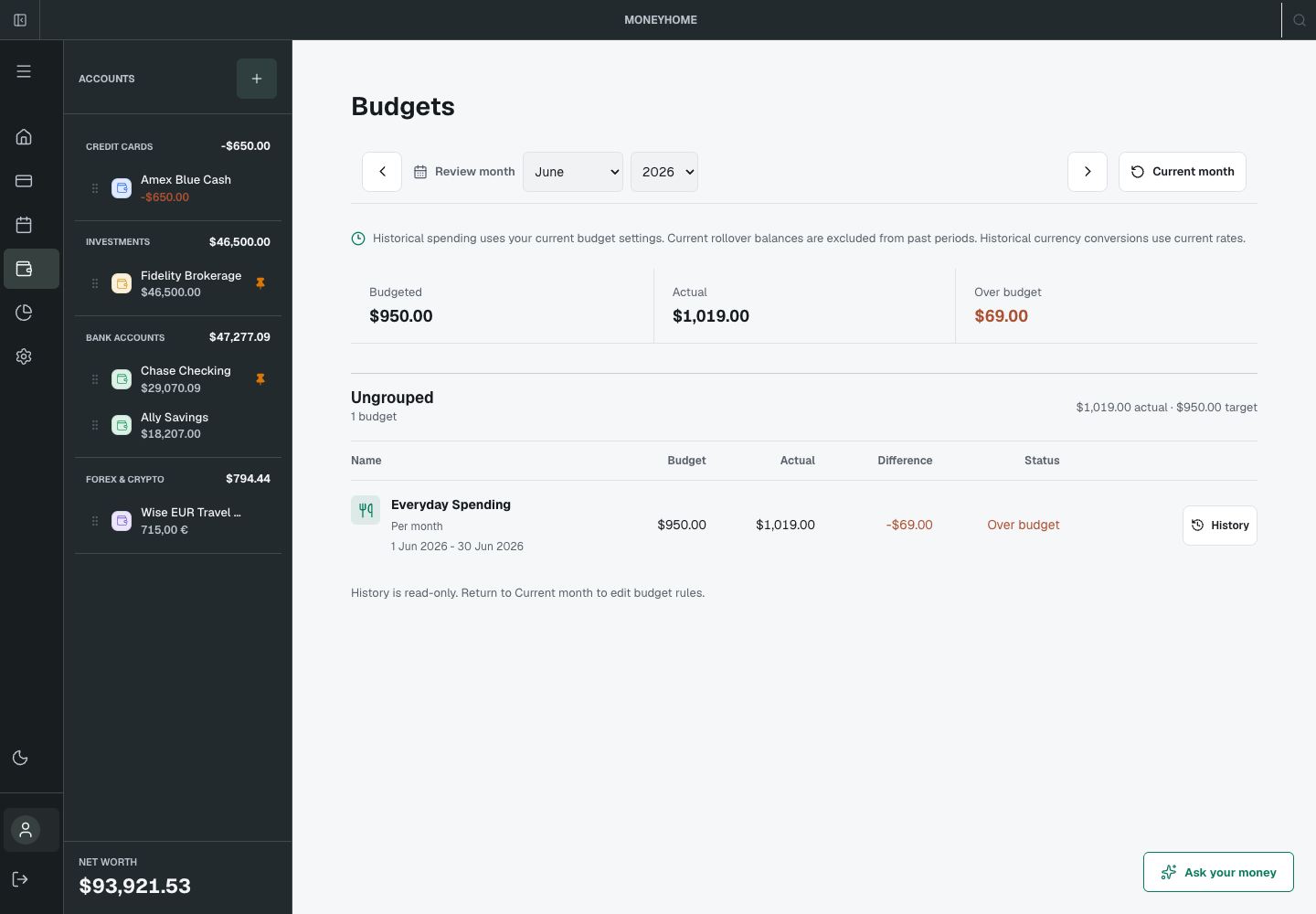
In MoneyHome: each budget has its own currency. Spending from transactions in any currency is converted into that budget currency to work out the actual amount, and a budget can be limited to chosen categories or accounts. That conversion uses current rates, which the Budgets page states plainly.
Common mistakes
- Adding balances without converting. Ten thousand dollars plus ten thousand euros is not twenty thousand of anything.
- Converting at entry and discarding the original. You lose the ability to reconcile.
- Counting both legs of a transfer as spending or income. Your cash flow doubles.
- Ignoring conversion costs. A chart rate is not the rate you got.
How MoneyHome handles each step
| Step | What MoneyHome does | Limit to know |
|---|---|---|
| Base currency | Set in Settings, or on the Reports page. Charts and the assistant follow it. | Starts as USD for new accounts. |
| Own currency per account | Each account and each transaction keeps its currency. | Two currencies on Free, unlimited on paid plans. |
| Historical rates | Daily rates, latest on or before the date, for reports and net worth over time. | Final step into your base currency uses today's rate. |
| Transfers | Two linked legs, the receiving amount filled at the live rate. | Received amount cannot be typed in the form. |
| Budgets | Per-budget currency, with spending converted into it. | Conversion uses current rates, including in budget history. |
| Getting data in | Manual entry or CSV import with a per-row Currency column or a default currency. | No bank linking. |
Plans, plainly
Free is two accounts in up to two currencies, with no AI. Unlimited currencies need Premium ($8 a month or $72 a year) or Founding Supporter ($149 once). MoneyHome is a web app you can install from your browser, with no native app and no bank linking.
A first-evening setup
- Create an account and set your base currency in Settings.
- Add each account with its own currency and a true opening balance.
- Import history per account from Settings, using Import from a CSV. Set the Default currency to the file's currency if the file has no Currency column.
- Add one budget per spending currency you care about, then one in your base currency for shared costs.
- Open Reports, check the base currency, and compare the totals with your statements.
Questions
Do I need a separate app or budget for each currency?
No. Keep one ledger, give each account its own currency, and pick one base currency for totals. Some tools only allow one currency per budget, which is why people end up with several. MoneyHome holds the accounts together. Free covers two currencies, and Premium or Founding Supporter have no limit.
Which exchange rates does MoneyHome use?
MoneyHome keeps daily rates, published on business days, and uses the latest rate on or before a transaction date for reports. Live rates from a public exchange-rate feed are used for budgets and for the final step into your base currency. Settings shows when rates were last updated.
Can I try multi-currency on the Free plan?
Yes, with up to two currencies. Free is two accounts in up to two currencies, with no AI. Unlimited currencies need Premium at $8 a month or $72 a year, or Founding Supporter at $149 once.
Does MoneyHome connect to my bank?
No. There is no bank linking. You add transactions by hand or import a CSV file from your bank or another app.