Comparison
MoneyHome vs YNAB and Monarch for multi-currency households
YNAB and Monarch are strong budgeting apps with large followings. Neither is built to hold several currencies in one view, and that is the one thing MoneyHome is for. This page is about that single question, with a clear view of who should stay where they are.
Last reviewed November 2026. Competitor details are as of November 2026 and can change; check each vendor before you decide.
The short version
If nearly all your money is in one currency, YNAB or Monarch is probably the better pick, because both offer features MoneyHome does not, including automatic bank connections. If your money is in several currencies and you want one combined picture, that is where MoneyHome is aimed.
Side by side
| Topic | YNAB | Monarch | MoneyHome |
|---|---|---|---|
| More than one currency | Not combined in one spending plan. A separate budget per currency is recommended. | Help centre says it does not convert currencies and recommends connecting only USD or CAD accounts. | Accounts in several currencies in one ledger, with totals in a base currency. Two currencies on Free, unlimited on Premium or Founding Supporter. |
| Bank connections | Direct import at select US, Canadian, UK and EU banks. File import elsewhere. | Says it connects with 13,000+ financial institutions. | None. Manual entry or CSV import. |
| Method | Make a flexible plan for what your money is for before you spend it. | Budgeting that "flexes to your needs", and you can invite a partner. | Targets compared with actual spending, with month-by-month history. |
| Price | $14.99 a month or $109 a year. 34-day trial. | $14.99 a month or $99.99 a year on its pricing page. | Free for two accounts in up to two currencies. Premium $8 a month or $72 a year. Founding Supporter $149 once. |
| Apps | iOS, Android, web and watchOS. | Not confirmed here. | Web app, installable from the browser. No native app. |
List prices on each vendor's site on 12 November 2026, in the currency shown there. Plans and promotions change. Where a cell says "not confirmed here", we could not confirm it from the vendor's own pages.
Who should stay where
Stay with YNAB if
- You live by its method of giving money a purpose before you spend it. MoneyHome does not copy that workflow.
- You want automatic import at a supported bank, or a native app on your phone or watch.
- One budget per currency is fine, because you never need a combined total.
Stay with Monarch if
- Your money is in US dollars, or in dollars and Canadian dollars kept apart, and you want accounts to sync from many institutions.
- You plan with a partner and want to invite them to see the same picture.
Choose MoneyHome if
- You hold accounts in several currencies and want net worth and reports in one base currency you pick.
- You are comfortable with no bank linking, and want to add transactions yourself or import a CSV.
- You want to ask your ledger questions in plain English, on paid plans, with hosted AI or your own AI key.
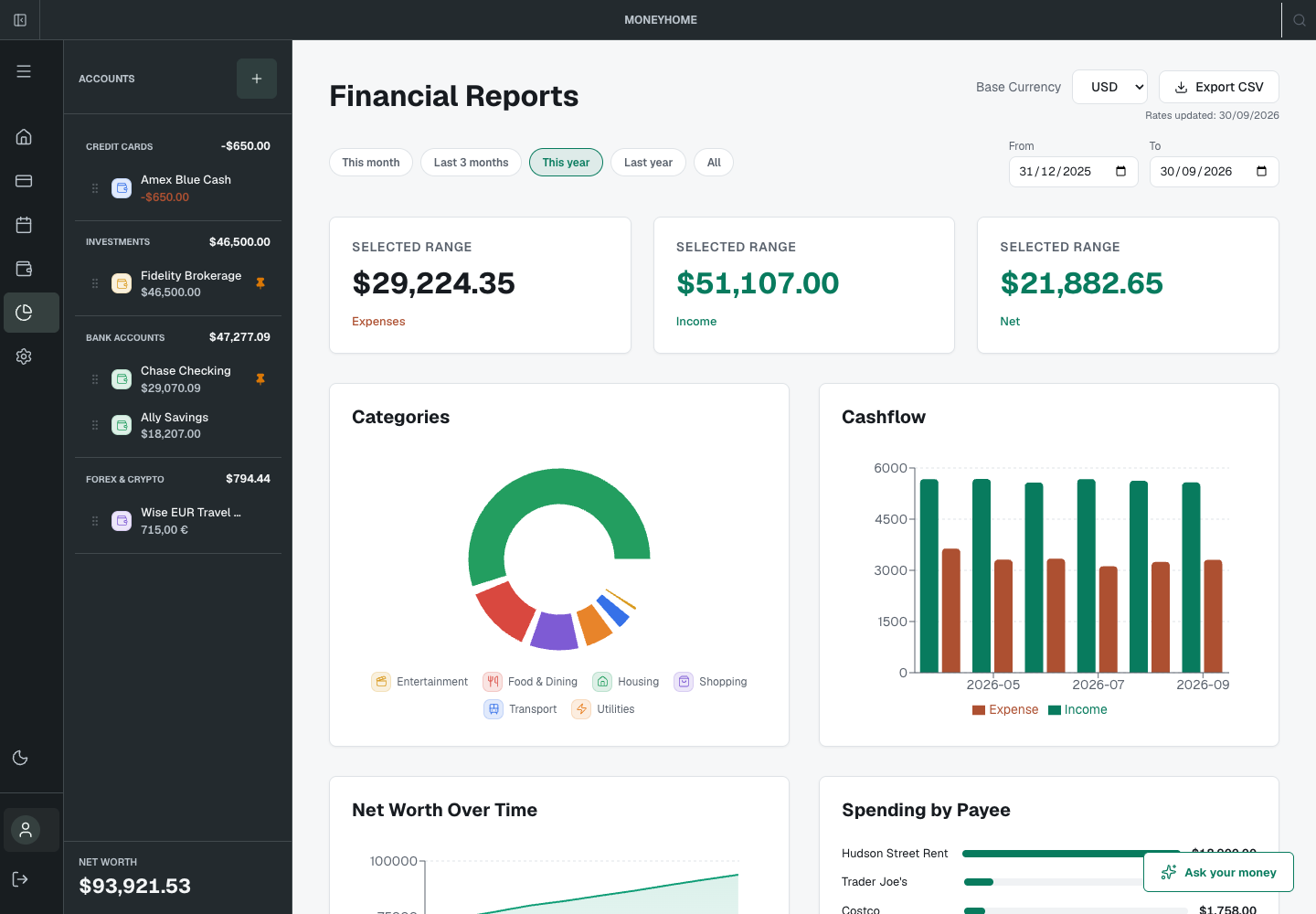
What MoneyHome does with several currencies
Every account has its own currency and every transaction keeps the currency it was entered in. Totals are shown in your base currency. Reports convert each transaction using the latest daily rate on or before its date, and the final step into the base currency uses today's rate, so reports are only partly historical. Budgets have their own currency and convert spending at current rates, and the Budgets page says so. Transfers between currencies fill the receiving amount at the live rate, which may differ from your bank's. The multi-currency budgeting guide explains each of these choices and why they matter.
Free is two accounts in up to two currencies with no AI, so you can try multi-currency before paying. Unlimited currencies need Premium. Premium is $8 a month or $72 a year. Founding Supporter is $149 once. There is no bank linking and no native app. If any of those is a deal breaker, the other two apps may suit you better.
Three checks to run in any trial
- Enter one expense in a foreign currency and see which total it lands in, and at what rate.
- Record a transfer between two currencies and compare it with your bank statement.
- Change the base currency, if the app has one, and see whether past months change.
If you want to test without leaving
Keep your current app. Create a MoneyHome account, import one export, and set a base currency. If you move later, the YNAB guide and the import walkthrough show the steps. Import accepts any CSV, so you are not locked to a particular source.
Questions
Which of these handles more than one currency in one view?
Of the three, MoneyHome is built for it: Free covers two currencies, and Premium or Founding Supporter have no limit. YNAB says you cannot combine multiple currencies in a single spending plan. Monarch's help centre says it does not convert between currencies. Check each vendor for current details.
Should I leave YNAB or Monarch for MoneyHome?
Not necessarily. If you spend in one currency and want bank sync, partner sharing or the YNAB method, staying is a sound choice. MoneyHome is worth trying if you need one combined view across currencies and can live without bank linking.
Can I use two of them together?
Yes. Some households keep their main-currency budget in YNAB or Monarch and use MoneyHome for a combined net worth. It means entering or importing data twice, so only do it if the combined view is worth the effort.
Does MoneyHome work on a phone?
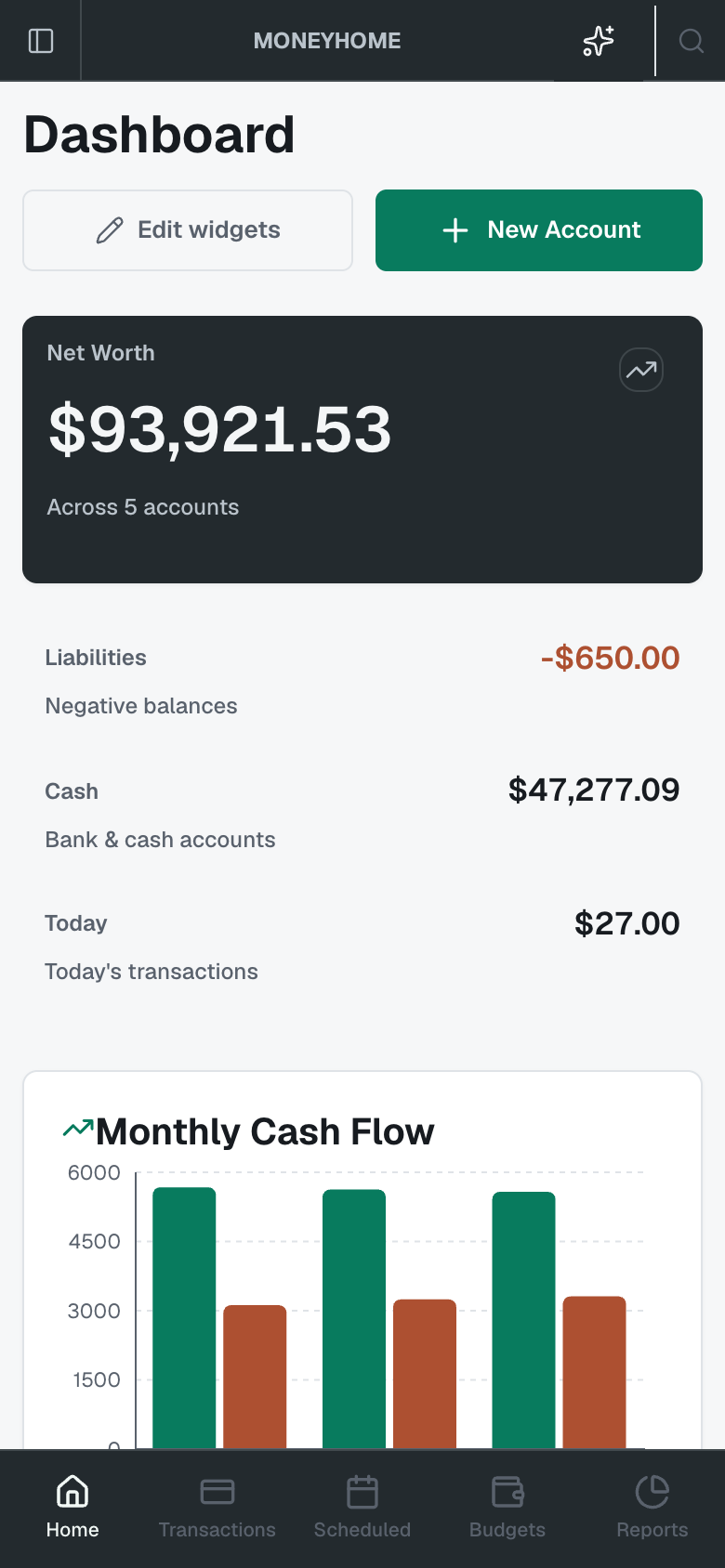
Yes, as a responsive web app that you can install from your browser. There is no native app.